Phone and Laptop Tips: Longer Battery, More Space, Fewer Scams
Make your phone battery last longer, free up storage, speed up a slow laptop, clean your keyboard safely and spot phishing scams, simple tech fixes in plain English.
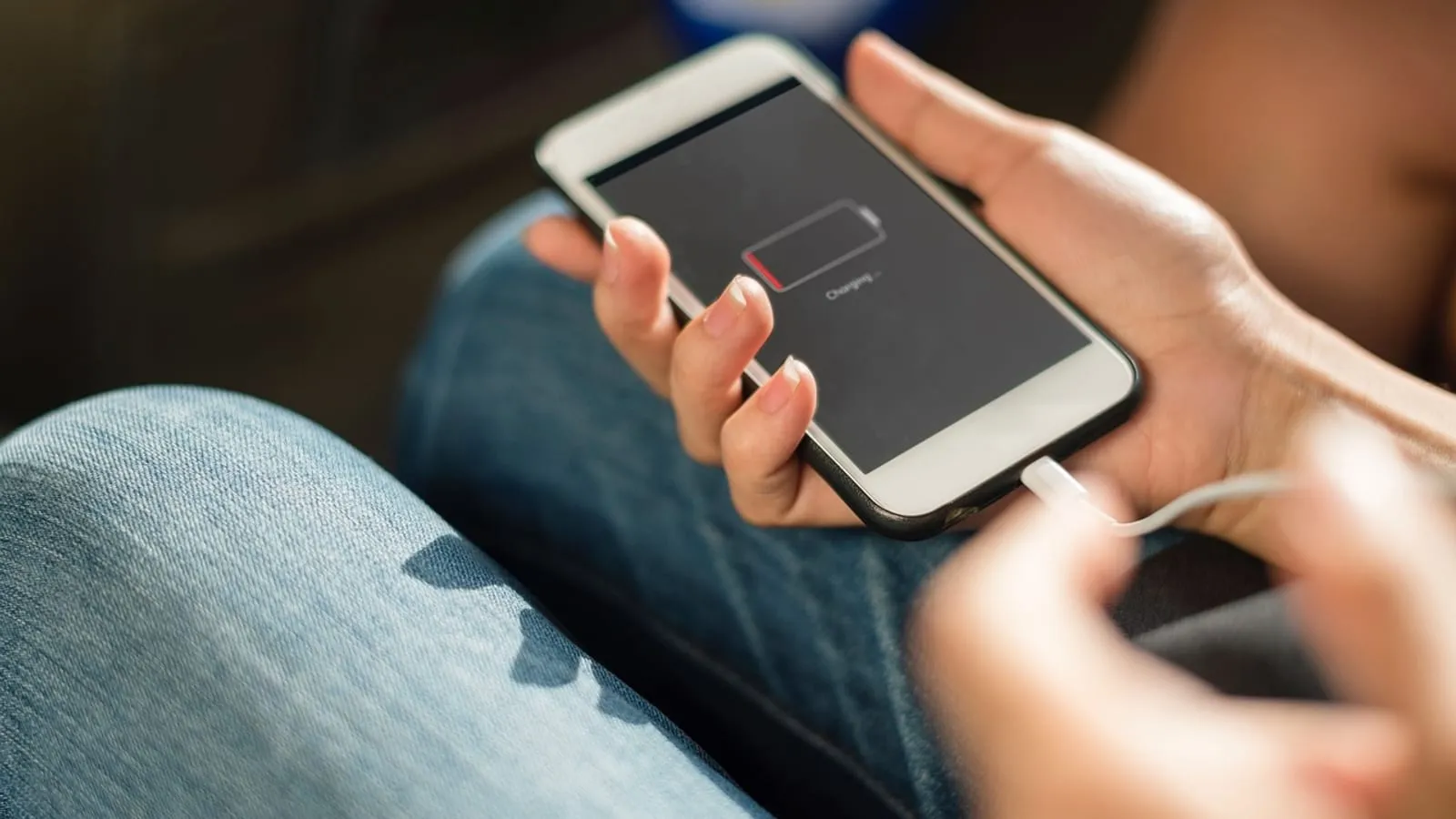
Most tech problems have simple fixes: a few settings, a little maintenance and some healthy suspicion about messages that ask you to act right now. You don’t need special software or a repair shop for any of it.
This guide puts the site’s phone, laptop and online-safety articles in a sensible order. Start with the phone battery and storage tips, move on to speeding up and cleaning your laptop, and finish with the red flags that give away phishing emails and text scams.
Menu names change between phone models and software versions, so the articles describe where to look rather than promise exact button labels. If something looks different on your device, check the manufacturer’s support page.
How to use it: read the section that matches your problem today, and save the page for the next time something slows down.
Keep your phone running well
Small settings and habits that stretch your battery, plus a quick way to reclaim storage.
-
How to Make Phone Battery Last Longer: 12 Settings & Habits
Learn how to make phone battery last longer with 12 easy settings and habits for iPhone and Android, from brightness to heat. Most take under a minute!
-
How to Free Up iPhone Storage Without Deleting Photos
Learn how to free up iPhone storage without deleting photos: offload apps, trim Messages, clear Safari data and more. Reclaim gigabytes in 15 minutes!

Fix a slow or dirty laptop
Speed up a sluggish laptop and clean the keyboard without damaging it.
-
How to Speed Up a Slow Laptop: 12 Tips for Windows and Mac
Learn how to speed up a slow laptop with 12 proven tips for Windows and Mac, from startup apps to storage, settings and upgrades. Most take under 10 minutes!
-
Clean Laptop Keyboard Safely: 7 Steps for Mac and Windows
Clean laptop keyboard dust, crumbs and grime safely with compressed air, 70% isopropyl alcohol and a microfiber cloth. Mac and Windows tips. Try it today!

Stay safe online
Learn the red flags of phishing emails and text scams, and what to do if you click.
-
How to Spot Phishing Emails and Text Scams: 10 Red Flags
Learn how to spot phishing emails and text scams with 10 clear red flags, a real-vs-fake table and what to do if you clicked. Report them in 2 minutes!

Save this guide to Pinterest
Keep all 5 step-by-step articles one tap away for your next wash day.